
Pool safety

A simple way to flag what needs attention.

Anyone at the pool can scan the tag and privately alert the owner to a visible concern. No account and no personal details required.
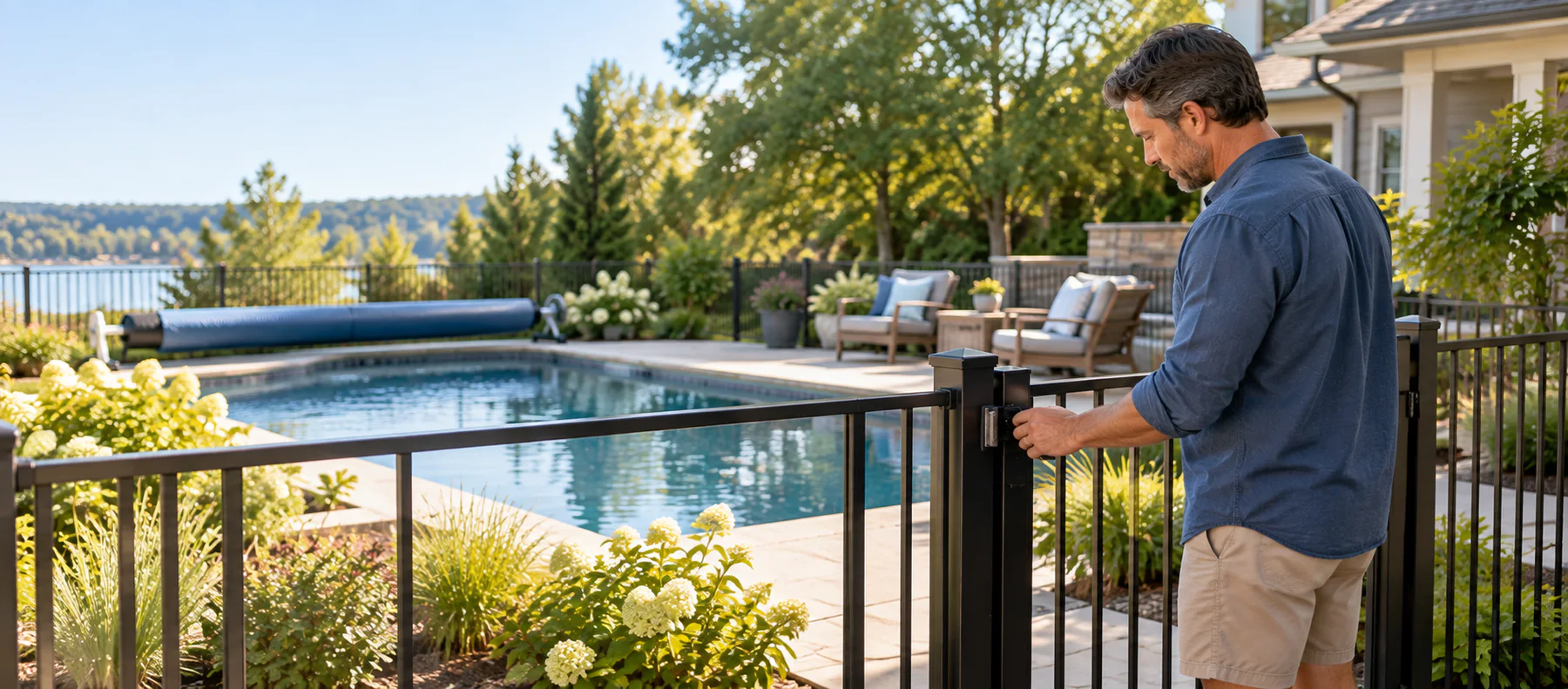
A homeowner checking that a pool safety gate is securely latched
Private, quick, practical

Help the responsible person act without exposing anyone.

For the person reporting

  • No name, email, phone number, or account is required.
  • The reporter never sees the owner’s contact details.
  • A short optional note can add useful context without slowing the report.

For the owner

  • The alert is connected to the correct pool instead of a vague address.
  • Clear categories make the concern easier to understand quickly.
  • Safety guidance stays available inside the owner app.

For the neighborhood

  • An easy reporting path can surface an open gate, unsafe water, or damaged cover sooner.
  • Anyone scanning out of curiosity also learns how a Pool Passport protects privacy.
  • Planned: text and email alerts while the app is closed.
01

Scan the Pool Passport

Open the pool’s page from the QR code or NFC tag.

02

Choose what you saw

Flag unsafe water, an open gate or fence, noisy or leaking equipment, a damaged cover, or another concern.

03

Alert the owner

Add an optional short note and send the private report. Immediate danger still belongs with local emergency services.

Take the next step

Safer pools start with an easy signal.

A Pool Passport makes the reporting path visible right where someone may notice the problem.

Learn about Pool Passports